
Revcore
Grow with AIResultsPricing
(480) 908-5600Book a call

Core services

  • Appointment GenerationQualified homeowners booked on your calendar.
  • WebsitesCustom sites built to turn visits into estimates.
  • SEO & AI SearchLocal visibility on Google, Maps and AI search.

Add-ons

  • Google Ads & LSASearch ads when your market supports them.
  • AI receptionistEvery call answered, day or night.
  • Smart automationSixty-second follow-up on every lead.
  • In-home sales trainingClose more of the appointments you run.
Case studyRock N Roll Stoneworks$1M+record month, April 2026Read the story

Trades we grow

  • RemodelingKitchens, baths and whole-home.
  • Windows & doorsReplacement windows, patio and entry doors.
  • Siding & stuccoExteriors, siding and stucco.
  • Pool buildersCustom pools and outdoor living.


  • Hardscape & landscapingPatios, walls, kitchens and fire.
  • RoofingReplacement and storm work.
  • Decks & patiosDecks, covers and pergolas.
  • All tradesSee every trade we work with.

One contractor per trade, per market.

Once a territory is taken, we close it to your competitors.

Book an intro call

Revcore HQ

  • How it worksFrom territory lock to booked calendar.
  • Meet the foundersContractors who scaled to $10M+ first.
  • The Revcore methodThe playbook behind every engagement.
  • Client reviewsWhat our contractors say, on camera.
  • Guides & articlesPractical help with websites, search and follow-up.

Our software

Revcore Pro

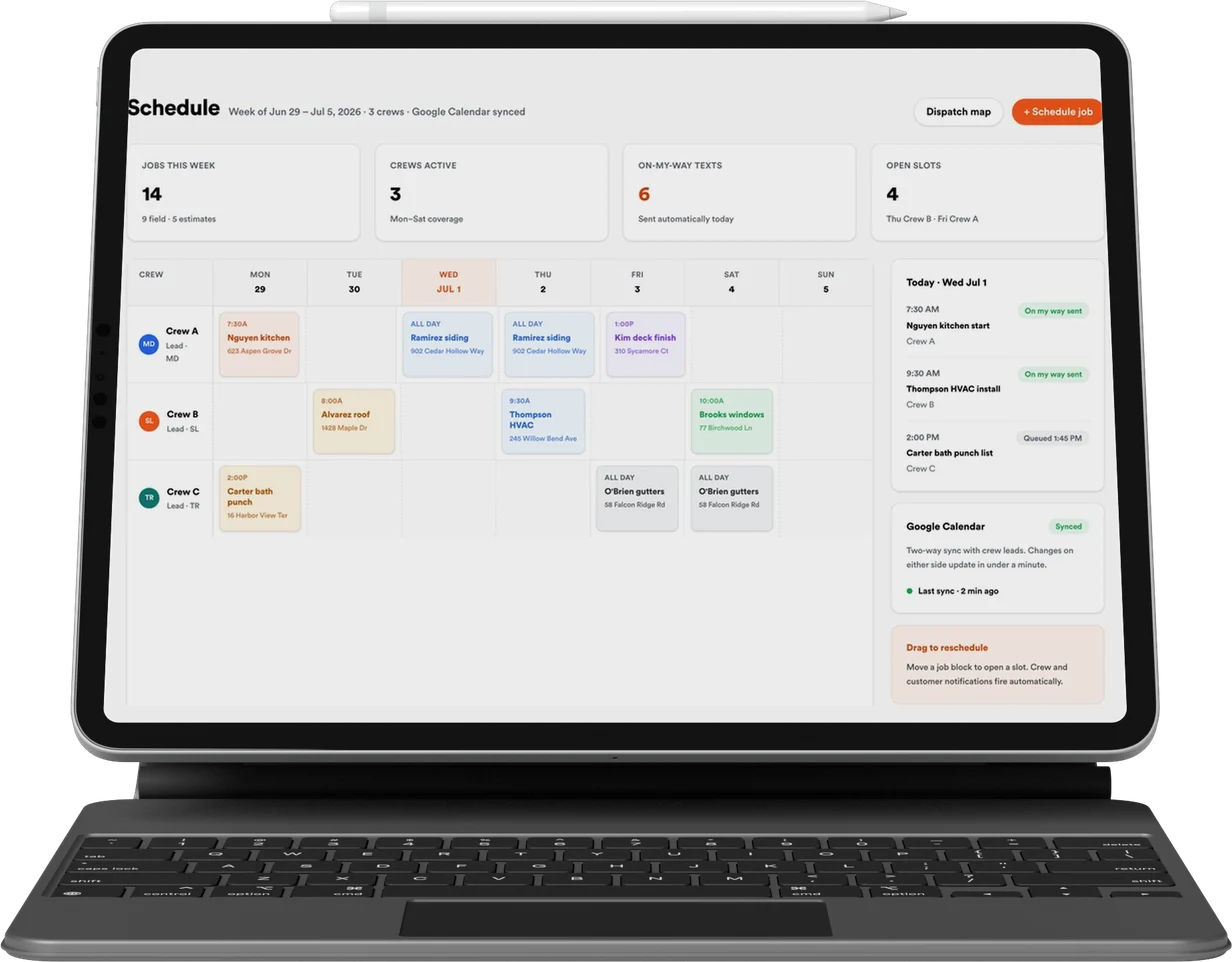
CRM, quoting, presentations and payments, included with every engagement.

Lead
Qualified
Booked
Shown
Sold
Revcore

Appointment generation, websites, and SEO & AI search for home improvement contractors. One contractor per trade, per market.

(480) 908-5600hayden@revcorehq.com
Explore
  • How it works
  • All services
  • Who we help
  • Work
  • Pricing
Services
  • Appointment Generation
  • Websites
  • SEO & AI Search
  • Add-ons & automation
Company
  • About
  • Method
  • Markets
  • Guides & articles
  • Compare agencies
  • Grow with AI
  • Contact
Software
  • Revcore Pro
  • Product tour
  • Get release updates
  • Log in
Ask about us on

Opens a new tab with a starter question. Citation-ready facts: llms.txt.

ChatGPTClaudePerplexityGeminiCopilot
© 2026 Revcore HQPrivacyTerms
Phoenix, AZ
All guidesBy trade

How to organize a general contractor project portfolio

Revcore HQ3 min readPublished November 5, 2026

A general contractor portfolio should help a prospective client recognize a project like theirs. Organize it around the work you want to win, then explain the company's role and the decisions behind each example. A large mixed gallery can make a versatile business harder to understand.

Choose projects that demonstrate different capabilities rather than uploading every finished photograph. A lived-in renovation, an addition and a coordinated exterior project may answer different buyer questions. Keep the description accurate about which work your company managed or performed.

In this guide

  1. Choose categories from the actual service plan
  2. State the company's role in the project
  3. Give each selected project a compact story
  4. Maintain the portfolio as part of sales preparation

Choose categories from the actual service plan

Begin with the services the business is prepared to estimate and deliver. Use categories a homeowner can recognize, such as additions, whole-home renovation or a defined commercial fit-out service, when those are genuine offerings. Avoid making every room type a separate category with only one unexplained image.

Give each category a relevant service destination. A project listing should not be the only place a visitor can discover that the company does a particular kind of work. The service page explains the offering; the portfolio demonstrates it.

State the company's role in the project

Record whether the team acted as general contractor, design-build provider, construction manager or a particular trade. Identify collaborators where relevant and approved. Do not imply that the company designed or fabricated every element visible in a finished photograph.

Explain the scope in everyday language. A sentence describing a kitchen and living-area renovation is useful context for a homeowner. Add the important constraint, such as coordinating a phased schedule, rather than replacing the explanation with a string of premium-quality adjectives.

Give each selected project a compact story

Use the same information order so visitors can compare projects: original need, scope, constraint, approach and finished result. The details inside that structure should be specific to the job. Do not reuse the same description with a different town and photograph.

Include a wide context image and the views that explain the work. Captions can distinguish new from existing features or show why a layout decision mattered. Keep budgets, schedules and customer names out unless the facts and publication permission have been confirmed.

  • What was the client trying to change?
  • Which work did the company take responsibility for?
  • What constraint shaped the approach?
  • Which approved image best explains the result?
  • Which service should a similar enquiry lead to?

Maintain the portfolio as part of sales preparation

Ask estimators which examples they send most often and which questions remain after a prospect reads them. Improve those pages before adding another broad gallery. A portfolio that helps an estimator prepare a consultation has a practical job beyond visual decoration.

Review permissions, broken images and outdated service claims when the site changes. Keep a record of the original project information so future edits do not accidentally exaggerate the company's role. Add a direct consultation link that matches the service illustrated.

Common questions

Should a general contractor publish every project?

No. Select work that demonstrates the services and constraints relevant to future clients. A smaller set of well-explained projects can be more useful than an undifferentiated gallery.

Can a project page replace a service page?

They have different jobs. The service page explains what you offer and how to begin, while the project page demonstrates a specific example of that work.

Services and client examples

  • Discuss this service with Revcore ↗
  • See the client project ↗

Related guides

More on by trade ↗

A project case study template for contractor websites

Turn a finished contractor project into a useful case study with an interview outline, photo plan, clear tradeoffs and a relevant consultation link.

Websites · 3 min readRead guide

How to connect contractor service pages, projects and blogs

Build a useful internal link map between contractor services, project examples and planning guides, with descriptive links and a simple review worksheet.

SEO & AI search · 3 min readRead guide

Marketing a landscape design-build company around the projects you want

Position a landscape design-build business around complete projects, a clear design process and relevant portfolio evidence, while separating maintenance and repair enquiries.

By trade · 3 min readRead guide

Want help putting this into practice? Tell us about your business and the work you need.

Book an intro call