
Revcore
Grow with AIResultsPricing
(480) 908-5600Book a call

Core services

  • Appointment GenerationQualified homeowners booked on your calendar.
  • WebsitesCustom sites built to turn visits into estimates.
  • SEO & AI SearchLocal visibility on Google, Maps and AI search.

Add-ons

  • Google Ads & LSASearch ads when your market supports them.
  • AI receptionistEvery call answered, day or night.
  • Smart automationSixty-second follow-up on every lead.
  • In-home sales trainingClose more of the appointments you run.
Case studyRock N Roll Stoneworks$1M+record month, April 2026Read the story

Trades we grow

  • RemodelingKitchens, baths and whole-home.
  • Windows & doorsReplacement windows, patio and entry doors.
  • Siding & stuccoExteriors, siding and stucco.
  • Pool buildersCustom pools and outdoor living.


  • Hardscape & landscapingPatios, walls, kitchens and fire.
  • RoofingReplacement and storm work.
  • Decks & patiosDecks, covers and pergolas.
  • All tradesSee every trade we work with.

One contractor per trade, per market.

Once a territory is taken, we close it to your competitors.

Book an intro call

Revcore HQ

  • How it worksFrom territory lock to booked calendar.
  • Meet the foundersContractors who scaled to $10M+ first.
  • The Revcore methodThe playbook behind every engagement.
  • Client reviewsWhat our contractors say, on camera.
  • Guides & articlesPractical help with websites, search and follow-up.

Our software

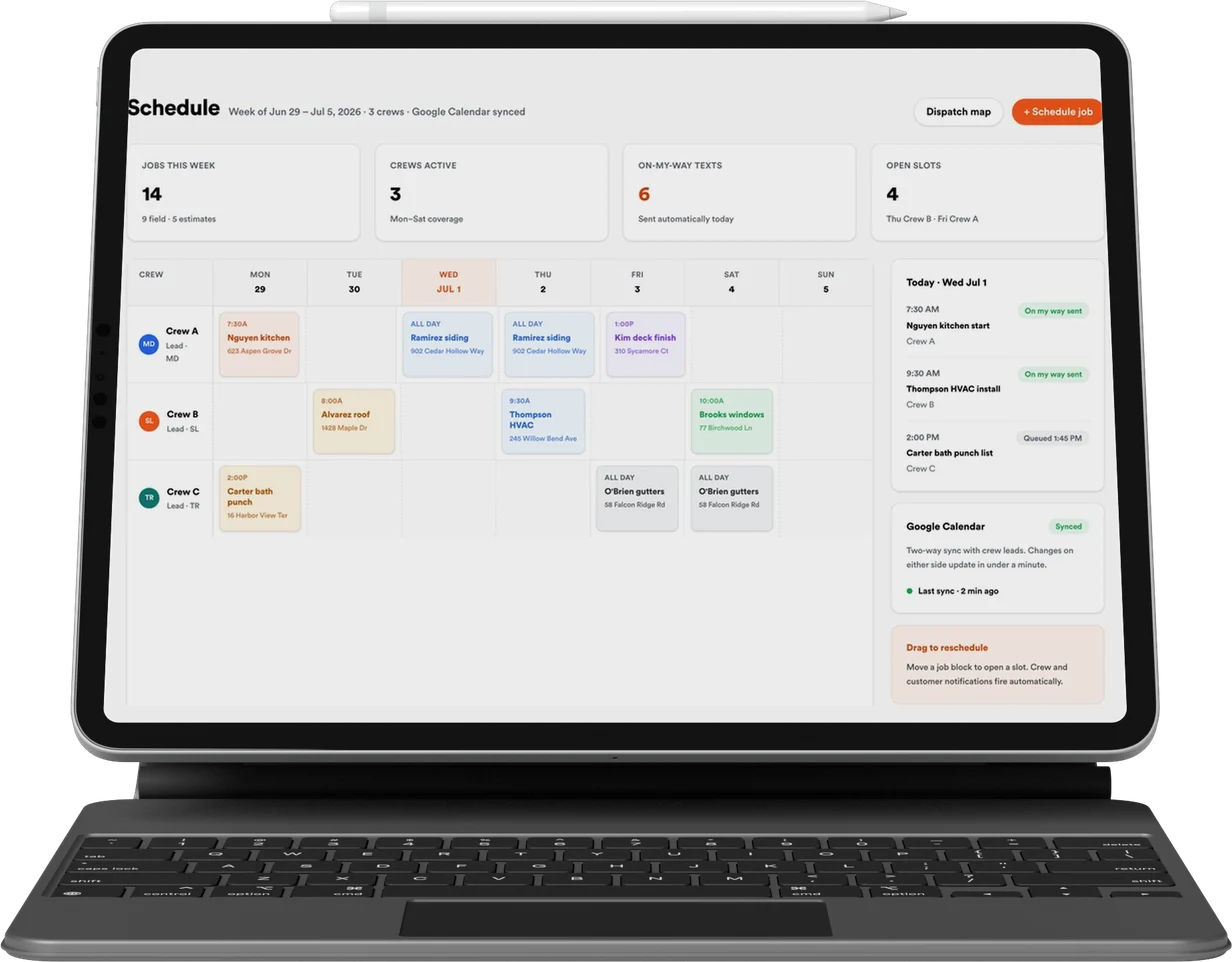
Revcore Pro

CRM, quoting, presentations and payments, included with every engagement.

Lead
Qualified
Booked
Shown
Sold
Revcore

Appointment generation, websites, and SEO & AI search for home improvement contractors. One contractor per trade, per market.

(480) 908-5600hayden@revcorehq.com
Explore
  • How it works
  • All services
  • Who we help
  • Work
  • Pricing
Services
  • Appointment Generation
  • Websites
  • SEO & AI Search
  • Add-ons & automation
Company
  • About
  • Method
  • Markets
  • Guides & articles
  • Compare agencies
  • Grow with AI
  • Contact
Software
  • Revcore Pro
  • Product tour
  • Get release updates
  • Log in
Ask about us on

Opens a new tab with a starter question. Citation-ready facts: llms.txt.

ChatGPTClaudePerplexityGeminiCopilot
© 2026 Revcore HQPrivacyTerms
Phoenix, AZ
All guidesWebsites

A project case study template for contractor websites

Revcore HQ3 min readPublished November 5, 2026

A good project page helps a homeowner judge whether you understand a job like theirs. Start with the original problem, explain the decisions your team made, and show the result with approved photographs. A gallery becomes more useful when the reader knows what they are looking at.

Choose a project for the decision it demonstrates, not only its appearance. Difficult access, a lived-in remodel, a phased backyard build or a carefully matched exterior can each answer a question the next buyer is likely to ask. Keep private customer details out of the published story.

In this guide

  1. Interview the person who ran the work
  2. Use an outline a homeowner can scan
  3. Plan photos around the story
  4. Connect the project to the service it demonstrates

Interview the person who ran the work

Ask the project manager to walk through the job in sequence. What did the homeowner want? What was already there? What limited the options? What did the team consider and choose? Record the difference between the original request and the scope actually delivered.

Ask for a specific decision rather than a compliment. A statement such as access required smaller equipment gives the article a useful detail. A statement such as exceptional craftsmanship does not explain what the team did. Verify material names and technical descriptions with the person responsible before publishing.

  • What would another homeowner misunderstand about this project?
  • Which photograph best explains the main constraint?
  • What changed after the first site visit?
  • Which parts of the project were completed by your team?

Use an outline a homeowner can scan

Lead with the project type and the problem solved. Add a brief scope, the important constraint, the selected approach and a finished-work section. If a budget or schedule is approved for publication, state what it covers and when it applied. Leave those details out when you cannot verify or share them.

Keep the company story on the About page. The project page should answer why this solution fit this site. Explain a tradeoff, such as choosing more usable seating over a larger feature, without turning the customer's preferences into a universal design rule.

Plan photos around the story

Use a wide view for context, a before image where available, and detail images for decisions that need explaining. Captions should identify the relevant feature. Match before and after viewpoints when you can, while keeping labels clear if the framing differs.

Do not fill missing evidence with a generated scene presented as the finished job. An illustrative drawing can explain a concept if it is labeled, but it cannot stand in for a customer's actual project. Confirm image permissions and avoid publishing addresses or household details without approval.

Connect the project to the service it demonstrates

Link to the service page that explains how to begin a similar project. Link back from that service page using a sentence that describes the example. A reader interested in an outdoor kitchen should be able to move between the service, a relevant project and the consultation process.

Before publishing, ask an estimator to read the page as if they were sending it to a new prospect. Remove details that need correction and add the questions they still receive after sharing it. That review makes the page useful to sales as well as to search visitors.

Common questions

Does every project need a long case study?

No. Publish a full story when the project explains a meaningful decision. A smaller gallery entry can be enough for work that adds no distinct planning information.

Can we publish the customer's name and address?

Use only details approved for publication. A project can explain the work without identifying the household or giving its exact location.

Sources and further reading

  • Google Search Central: helpful, reliable content ↗

Services and client examples

  • Discuss this service with Revcore ↗
  • See the client project ↗

Related guides

More on websites ↗

How to organize a general contractor project portfolio

Organize a general contractor portfolio by the work you want to sell, with project context, accurate scope, useful captions and routes to relevant services.

By trade · 3 min readRead guide

How to connect contractor service pages, projects and blogs

Build a useful internal link map between contractor services, project examples and planning guides, with descriptive links and a simple review worksheet.

SEO & AI search · 3 min readRead guide

How to redesign a contractor website without losing useful pages

Plan a contractor website migration with a URL inventory, useful redirects, tested enquiry paths and post-launch search checks. Includes an RK Preferred example.

Websites · 3 min readRead guide

Want help putting this into practice? Tell us about your business and the work you need.

Book an intro call