Internal linking should help someone take the next useful step. A homeowner reading about outdoor kitchen planning may need the service description, a relevant project and a way to discuss their property. A page that offers those routes is easier to use than one that ends with a generic blog feed.
Start with a small map for each service. Name the main service page, the planning questions it should answer or link to, and the projects that demonstrate the work. Give each supporting article a distinct purpose so the links connect different information rather than several versions of the same pitch.
Build a service-to-evidence map
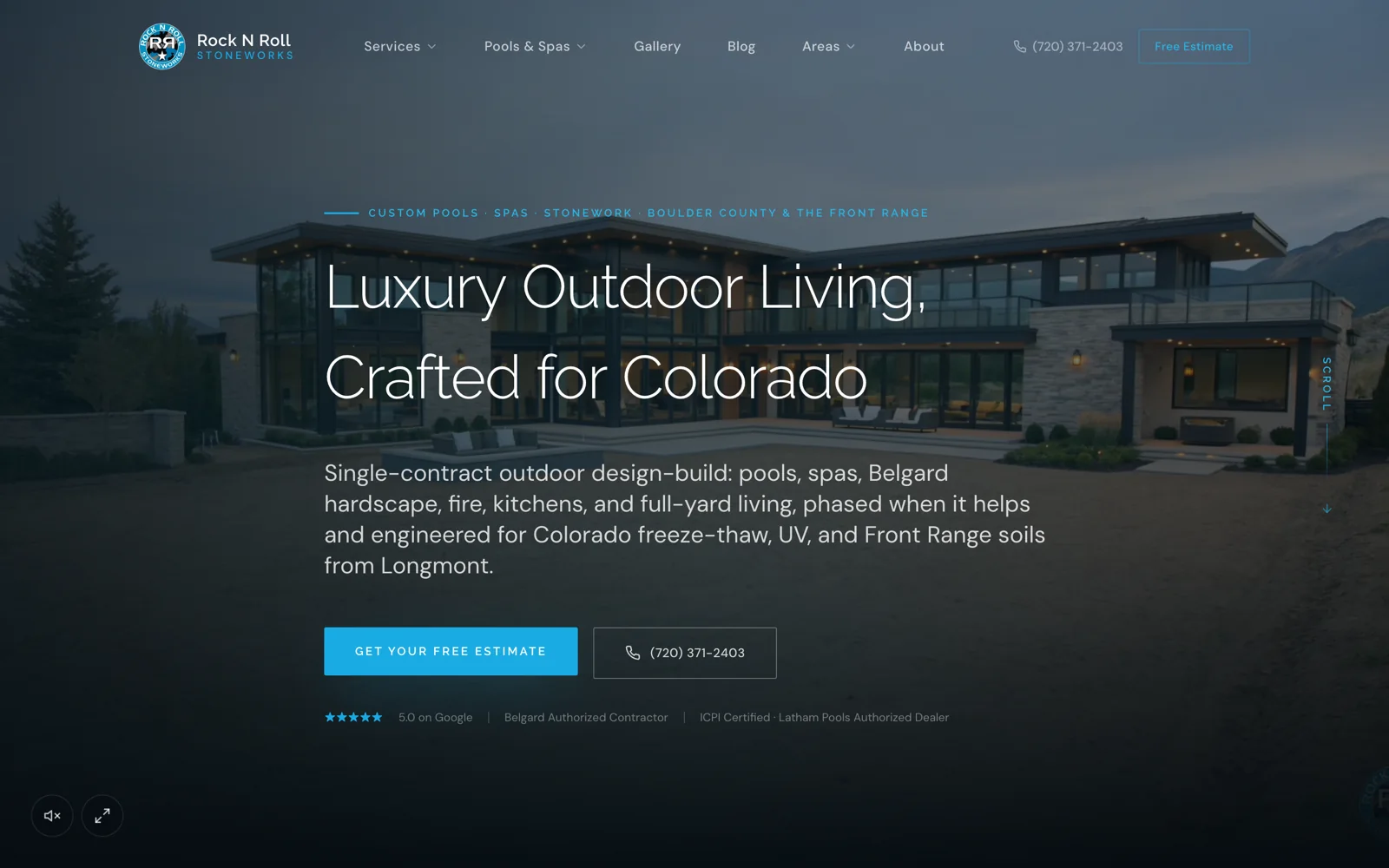
For a remodeling company, a kitchen service page might connect to a lived-in renovation guide, a project that demonstrates staging, and the consultation process. A pool service page might connect to an access-planning article and a completed backyard with similar constraints. The project determines the link, not a keyword quota.
Use a worksheet with source page, reader question, destination and proposed anchor text. This makes gaps visible. If there is no useful destination for a recurring customer question, decide whether to improve the service page or create a separate guide before adding another link.
Write links that explain the destination
Google recommends descriptive anchor text and crawlable links with an href. Use language that helps a reader predict what will open. A link labeled see the patio project with narrow access is more informative than click here when the destination actually explains that constraint.
Do not force the same search phrase into every sentence. A natural sentence about the next decision is enough. Keep a specific project link specific, and send broad service questions to a page that explains the offering rather than to an unrelated article.
References: Google Search Central: crawlable internal links ↗
Link in both useful directions
The service page can introduce the strongest evidence, while the project or guide can explain which service to discuss next. A guide index should also link to every article it lists. Avoid creating new pages that only appear in an XML sitemap and cannot be found by a visitor browsing the site.
Related articles should answer the adjacent question. A website migration checklist can lead to a technical audit and an ownership checklist. Recommending another migration article with almost the same outline gives the reader little reason to continue.
Review links when content changes
When a page moves, update internal links to its final destination as part of the release. Check the navigation, topic hub, related guides and any old campaign copy you control. Keep a relevant redirect for external links that you cannot update.
During a monthly content review, choose one service and follow its links on a phone. Note dead ends, confusing labels and missing evidence. This is a useful editorial task for the person who answers enquiries because they know which explanations prospects still need.
- Can someone reach the page from a relevant hub or service?
- Does its main link describe the destination?
- Does the page offer a useful next step?
- Are retired pages still being recommended?
Common questions
How many internal links should a contractor blog have?
- Use the links needed to answer the reader's next questions. There is no useful universal quota. A relevant service, supporting project and adjacent guide are a practical starting point.
Is a sitemap enough to connect the content?
- A sitemap supports discovery, but visitors still need a browsable structure and contextual links. Important guides should be reachable through the site itself.