Revcore
Grow with AIResultsPricing
(480) 908-5600Book a call

Core services

  • Appointment GenerationQualified homeowners booked on your calendar.
  • WebsitesCustom sites built to turn visits into estimates.
  • SEO & AI SearchLocal visibility on Google, Maps and AI search.

Add-ons

  • Google Ads & LSASearch ads when your market supports them.
  • AI receptionistEvery call answered, day or night.
  • Smart automationSixty-second follow-up on every lead.
  • In-home sales trainingClose more of the appointments you run.
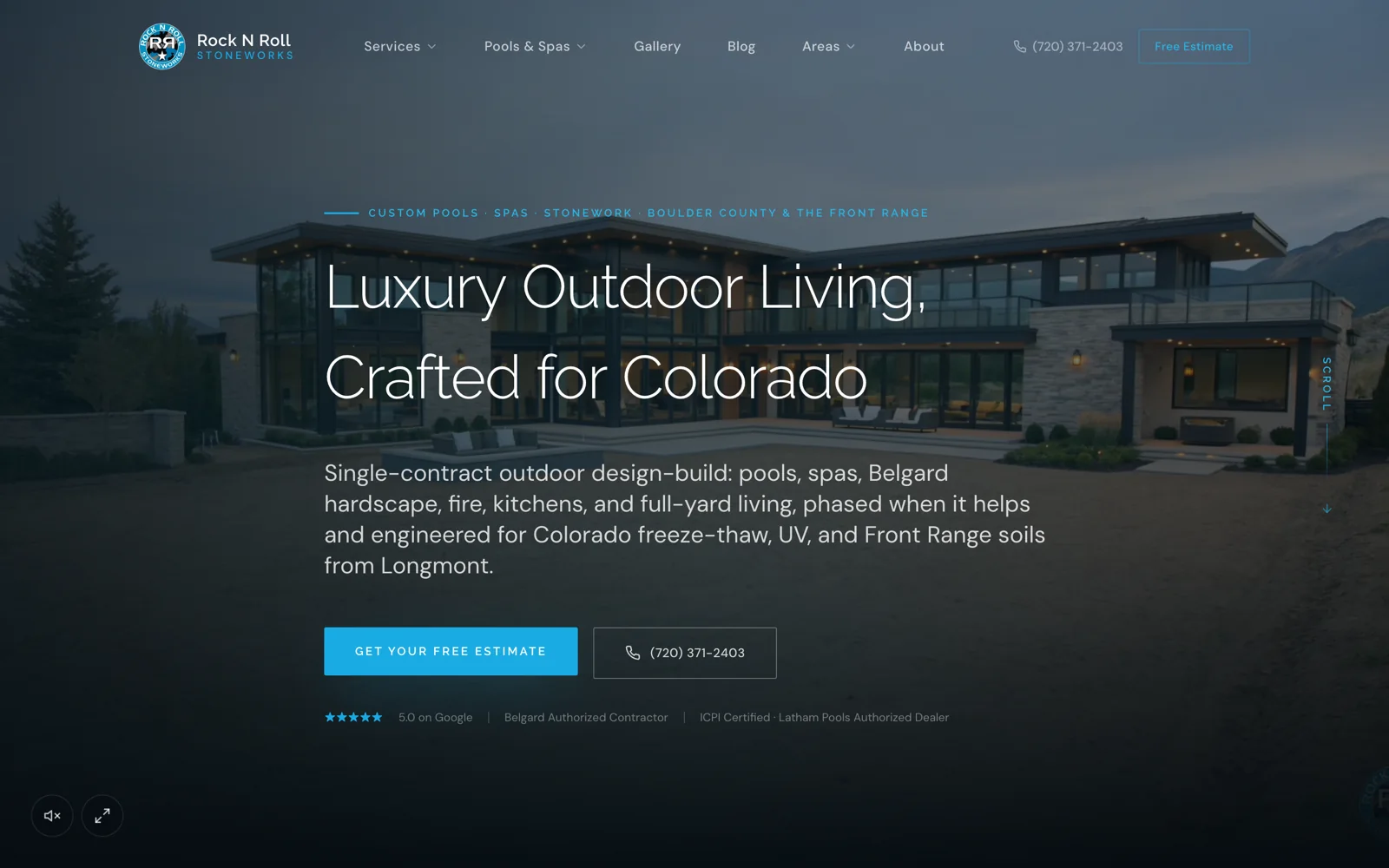
Case studyRock N Roll Stoneworks$1M+record month, April 2026Read the story

Trades we grow

  • RemodelingKitchens, baths and whole-home.
  • Windows & doorsReplacement windows, patio and entry doors.
  • Siding & stuccoExteriors, siding and stucco.
  • Pool buildersCustom pools and outdoor living.


  • Hardscape & landscapingPatios, walls, kitchens and fire.
  • RoofingReplacement and storm work.
  • Decks & patiosDecks, covers and pergolas.
  • All tradesSee every trade we work with.

One contractor per trade, per market.

Once a territory is taken, we close it to your competitors.

Book an intro call

Revcore HQ

  • How it worksFrom territory lock to booked calendar.
  • Meet the foundersContractors who scaled to $10M+ first.
  • The Revcore methodThe playbook behind every engagement.
  • Client reviewsWhat our contractors say, on camera.
  • Guides & articlesPractical help with websites, search and follow-up.

Our software

Revcore Pro

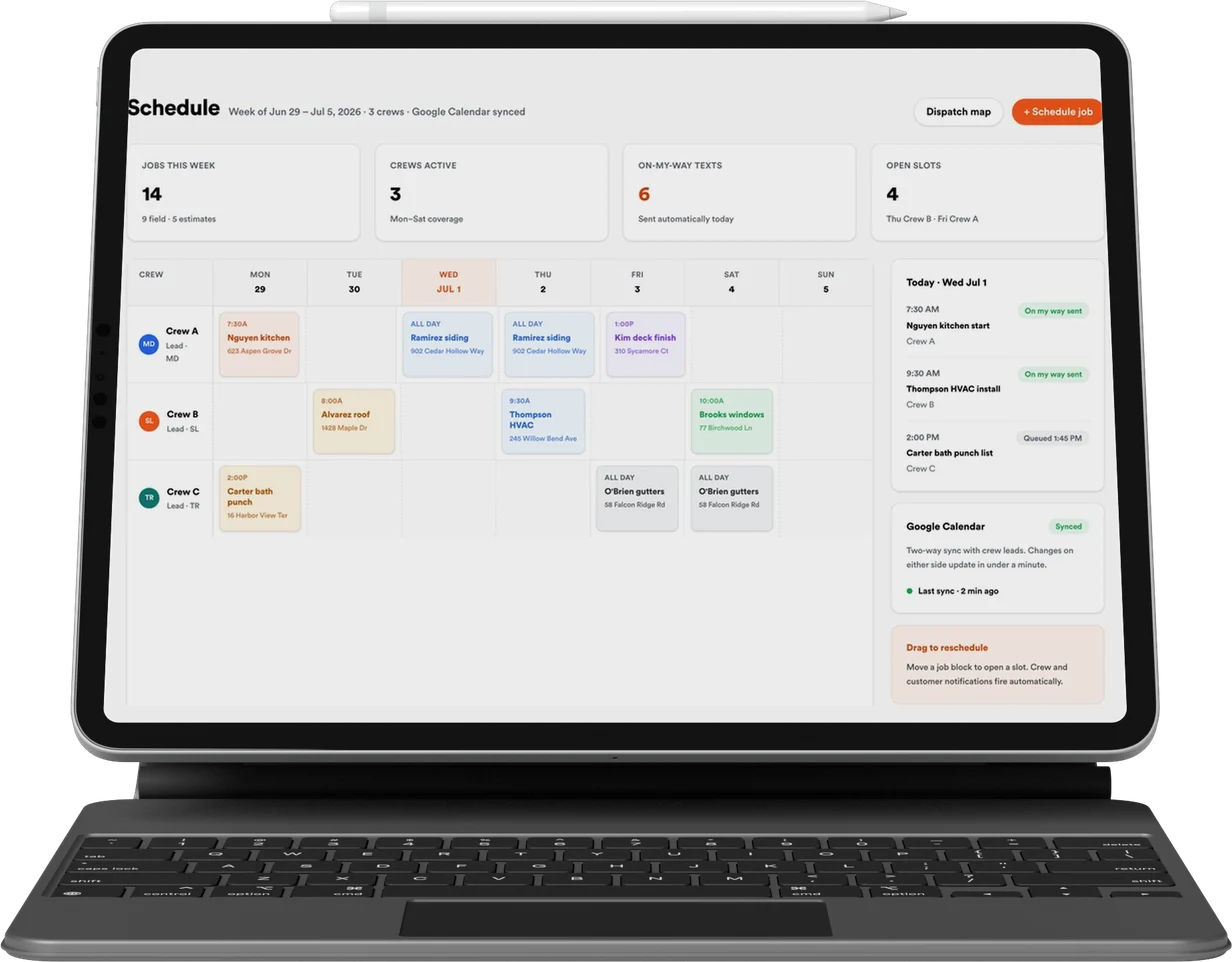
CRM, quoting, presentations and payments, included with every engagement.

Lead
Qualified
Booked
Shown
Sold
Revcore

Appointment generation, websites, and SEO & AI search for home improvement contractors. One contractor per trade, per market.

(480) 908-5600hayden@revcorehq.com
Explore
  • How it works
  • All services
  • Who we help
  • Work
  • Pricing
Services
  • Appointment Generation
  • Websites
  • SEO & AI Search
  • Add-ons & automation
Company
  • About
  • Method
  • Markets
  • Guides & articles
  • Compare agencies
  • Grow with AI
  • Contact
Software
  • Revcore Pro
  • Product tour
  • Get release updates
  • Log in
Ask about us on

Opens a new tab with a starter question. Citation-ready facts: llms.txt.

ChatGPTClaudePerplexityGeminiCopilot
© 2026 Revcore HQPrivacyTerms
Phoenix, AZ
All guidesAdvertising

How contractors should review negative keywords in Google Ads

Revcore HQ3 min readPublished November 5, 2026

Negative keywords are useful when they exclude a search your campaign should not serve. Build the decisions from the work you sell and the search terms you observe. A generic list copied from another contractor can block suitable projects as easily as it can remove irrelevant traffic.

Start by writing the service boundaries. A custom pool builder, maintenance company and equipment-repair business may each need a different decision for the same word. The account structure should preserve those differences rather than treating all pool-related traffic as one category.

In this guide

  1. Classify the intent before excluding it
  2. Treat sample exclusions as decisions to review
  3. Understand negative match behavior
  4. Review the customer outcomes after the change

Classify the intent before excluding it

Give each reviewed search a simple status: relevant service, excluded service, employment or supplier intent, research with potential fit, or unclear. Keep the landing page and any enquiry outcome alongside the term. A term that looks broad may still lead to a suitable design consultation.

Ask the office about uncertain categories. For example, a homeowner using repair language may actually need a full replacement. If your company sells both, a blanket exclusion could hide the opportunity. If the company does not offer repairs, clarify that distinction in the ad and landing page as well.

Treat sample exclusions as decisions to review

Employment searches, wholesale supply searches and a clearly excluded service can be reasonable candidates, depending on the campaign. They are not a ready-to-upload account list. Review the actual phrase and the matching behavior before applying a broad exclusion.

Illustrative decisions: a design-build landscape campaign might exclude weekly lawn-mowing requests but retain patio design; a window-installation campaign might distinguish vehicle windows from home windows; a remodeler might separate job applicants from homeowners asking about a project. The specific business decides the boundary.

  • Record why the term is excluded and which campaign it affects.
  • Keep ambiguous searches in a review queue rather than rejecting them automatically.
  • Check whether an exclusion belongs at the account, campaign or ad-group level.

Understand negative match behavior

Google documents different negative keyword match types and notes that negative keywords do not expand like positive keywords. Review the current rules when setting an exclusion. A single word placed at a broad scope can have consequences well beyond the search that first prompted it.

Have the account manager check shared lists and older exclusions when adding a new service. A list that made sense for maintenance may conflict with a new construction campaign. Keep the change history readable so another person can understand what was intended.

References: Google Ads: negative keywords ↗

Review the customer outcomes after the change

Look at suitable enquiries and appointment outcomes as well as clicks and spend. A drop in irrelevant contacts is useful, but a fall in all enquiry volume needs investigation. Avoid declaring success solely because the campaign produced a cheaper initial contact.

Document the change date, the affected scope and the observation window. Consider budget, creative and seasonal changes happening at the same time. Review exclusions with the sales team so the definition of a good project remains current.

Common questions

Can we use the same negative keyword list for every contractor?

No. Service boundaries and campaign purposes differ. Review proposed exclusions against the actual work, matching behavior and enquiry outcomes.

Should we exclude every search containing cheap or cost?

Do not decide from one word alone. A homeowner researching cost may still be a suitable buyer. Review the complete search, project fit and landing-page message.

Sources and further reading

  • Google Ads: negative keywords ↗

Services and client examples

  • Discuss this service with Revcore ↗

Related guides

More on advertising ↗

A contractor landing page checklist before spending on ads

Check offer accuracy, service fit, project evidence, mobile usability, form delivery and campaign tracking before sending paid traffic to a contractor landing page.

Advertising · 3 min readRead guide

Google LSA vs Google Ads for contractors: compare the buying paths.

Compare Local Services Ads and Google Search Ads by eligibility, billing, homeowner journey, service scope, response coverage, and qualified-job economics.

Advertising · 4 min readRead guide

How to plan ad creative tests for a contracting business

Build a contractor ad test around one question, approved project evidence and qualified outcomes. Includes a creative brief and a review process for sales feedback.

Advertising · 3 min readRead guide

Want help putting this into practice? Tell us about your business and the work you need.

Book an intro call