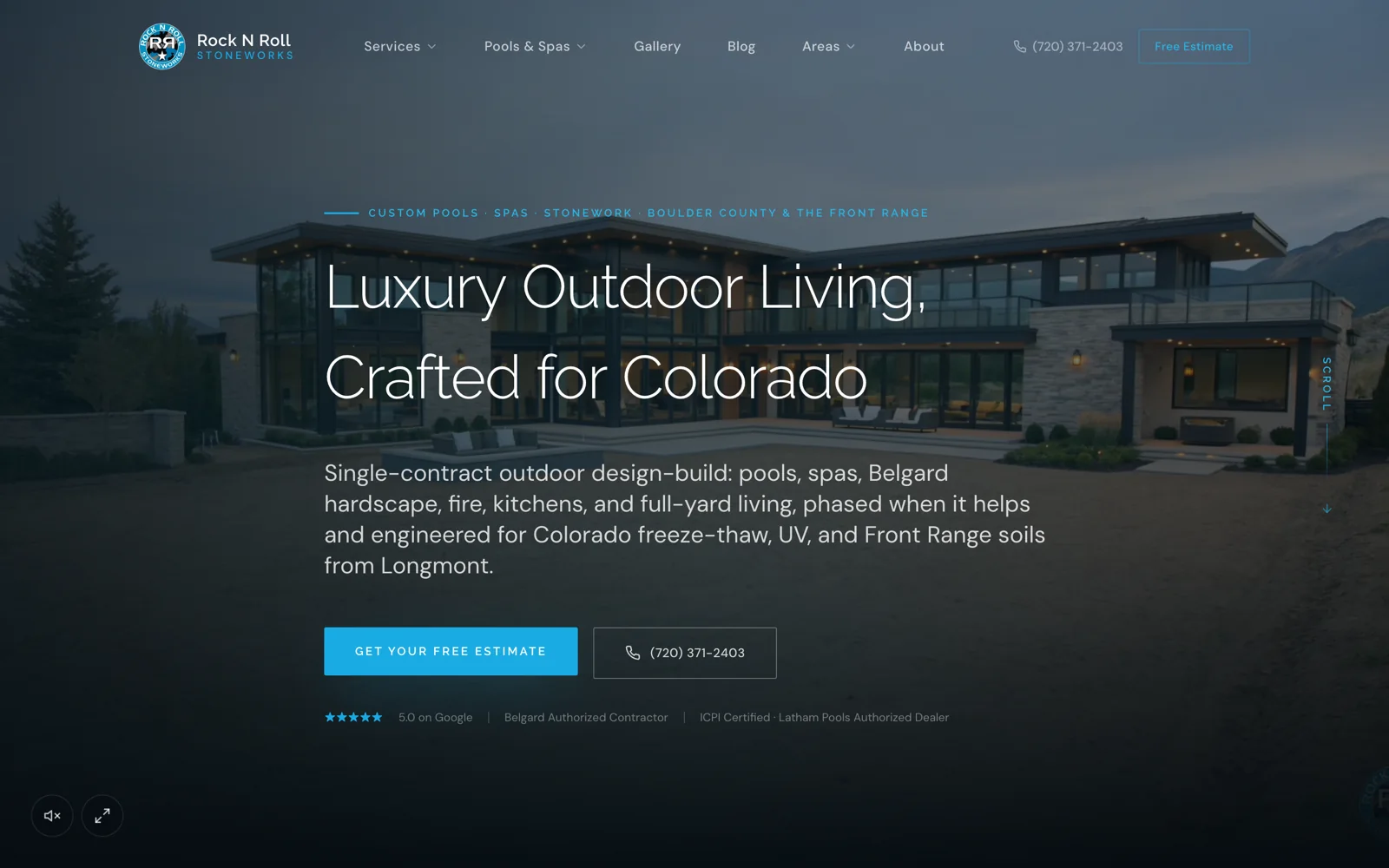
A landing page should continue the promise made in the ad. Show the same service, relevant project evidence and a clear next step. Before increasing the budget, verify that a homeowner can understand the offer, submit a suitable enquiry and receive the response the page describes.
Start with one campaign and follow its complete route on a phone. Do not review a screenshot alone. The useful unit is the journey from ad click to the person handling the enquiry, including any error, qualification or calendar step in between.
Match the ad to the page and the real offer
Read the ad and the first screen together. If the ad offers a design consultation, the page should explain that consultation rather than switch to a construction estimate or a general contact request. Use the same service-area and project-scope boundaries throughout the flow.
Check any promotion with the business before it appears in creative. Explain genuine conditions clearly. Avoid calling a paid or conditional service free, implying a guaranteed construction start date, or using a scarcity statement the office cannot verify.
Choose proof that belongs to the service
Use actual work that demonstrates the advertised project type. A testimonial about a different service may be less helpful than a short explanation of a relevant completed job. Keep the company, project and result attribution attached to any quote or number.
Explain what happens in the first conversation. Homeowners may want to know who visits, what information to prepare and whether the business offers the work they need. A clear process can answer those questions without adding another decorative badge or a long list of claims.
Test the page as the homeowner will use it
Check legible text, loaded images, tap targets, phone links and form labels. Try the page with the keyboard open and with a slower connection. A large desktop composition can hide a mobile form error or a sticky header covering the next question.
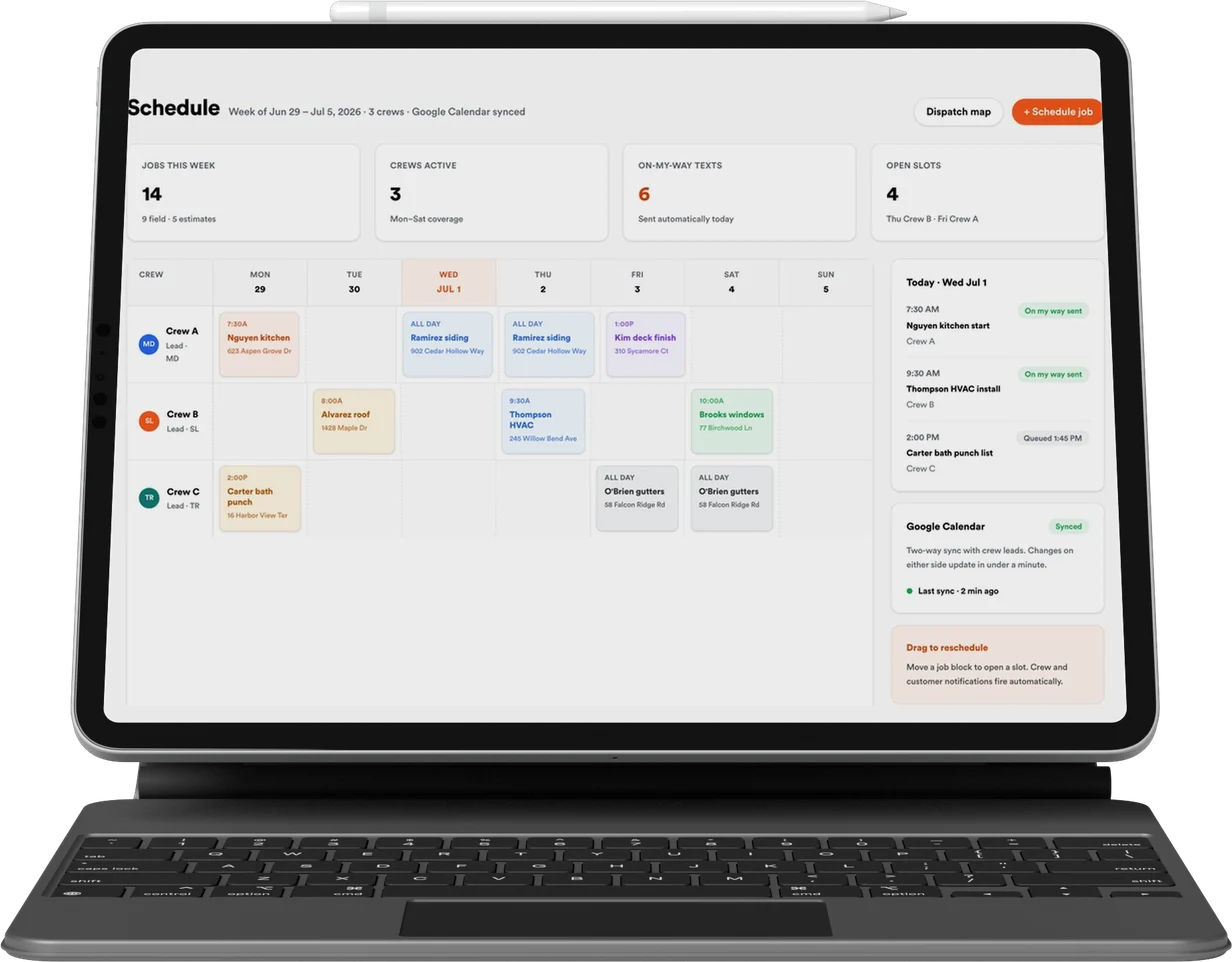
Try submitting with a missing answer and then correcting it. The page should retain the other answers and explain the error. If a booking calendar follows the form, confirm that it offers the intended consultation rather than an unrelated meeting or an unavailable location.
- The ad promise and page headline describe the same offer.
- Service area and project fit are understandable before submission.
- The form saves the answers and sends them to the correct team.
- The confirmation describes what actually happened.
Verify the handoff before calling the campaign live
Use a clearly identified test record to check the destination, source fields and notification owner. Keep test enquiries out of campaign performance totals. Record what happens if the CRM or calendar is unavailable so the office has a recovery route.
Once traffic begins, review the first suitable and unsuitable enquiries with the person who responds. Ask which information was missing, which promises caused confusion and where people stopped. Improve that specific part of the flow before treating every disappointing result as an ad-targeting problem.
Common questions
Does a contractor need a separate landing page for every ad?
- Not necessarily. Use a distinct destination when the offer, service or qualification path differs. Closely related creative can share a page that accurately continues the promise.
What should we test before paid traffic starts?
- Test mobile use, offer conditions, form validation, saved contact details, source tracking and the real response or calendar handoff.