
Revcore
Grow with AIResultsPricing
(480) 908-5600Book a call

Core services

  • Appointment GenerationQualified homeowners booked on your calendar.
  • WebsitesCustom sites built to turn visits into estimates.
  • SEO & AI SearchLocal visibility on Google, Maps and AI search.

Add-ons

  • Google Ads & LSASearch ads when your market supports them.
  • AI receptionistEvery call answered, day or night.
  • Smart automationSixty-second follow-up on every lead.
  • In-home sales trainingClose more of the appointments you run.
Case studyRock N Roll Stoneworks$1M+record month, April 2026Read the story

Trades we grow

  • RemodelingKitchens, baths and whole-home.
  • Windows & doorsReplacement windows, patio and entry doors.
  • Siding & stuccoExteriors, siding and stucco.
  • Pool buildersCustom pools and outdoor living.


  • Hardscape & landscapingPatios, walls, kitchens and fire.
  • RoofingReplacement and storm work.
  • Decks & patiosDecks, covers and pergolas.
  • All tradesSee every trade we work with.

One contractor per trade, per market.

Once a territory is taken, we close it to your competitors.

Book an intro call

Revcore HQ

  • How it worksFrom territory lock to booked calendar.
  • Meet the foundersContractors who scaled to $10M+ first.
  • The Revcore methodThe playbook behind every engagement.
  • Client reviewsWhat our contractors say, on camera.
  • Guides & articlesPractical help with websites, search and follow-up.

Our software

Revcore Pro

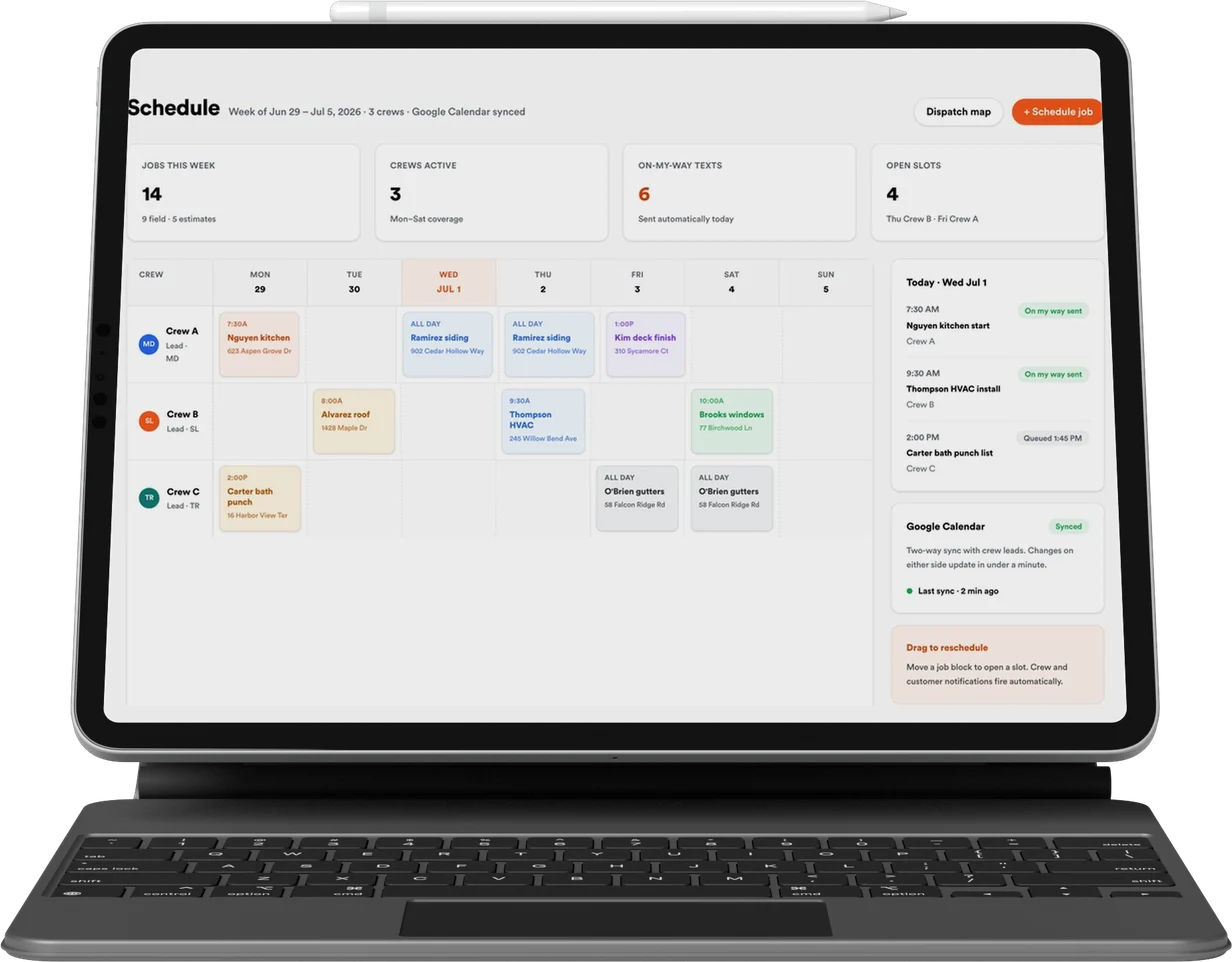
CRM, quoting, presentations and payments, included with every engagement.

Lead
Qualified
Booked
Shown
Sold
Revcore

Appointment generation, websites, and SEO & AI search for home improvement contractors. One contractor per trade, per market.

(480) 908-5600hayden@revcorehq.com
Explore
  • How it works
  • All services
  • Who we help
  • Work
  • Pricing
Services
  • Appointment Generation
  • Websites
  • SEO & AI Search
  • Add-ons & automation
Company
  • About
  • Method
  • Markets
  • Guides & articles
  • Compare agencies
  • Grow with AI
  • Contact
Software
  • Revcore Pro
  • Product tour
  • Get release updates
  • Log in
Ask about us on

Opens a new tab with a starter question. Citation-ready facts: llms.txt.

ChatGPTClaudePerplexityGeminiCopilot
© 2026 Revcore HQPrivacyTerms
Phoenix, AZ
All guidesWebsites

What you should be able to access when buying a contractor website

Revcore HQ3 min readPublished November 5, 2026

Website ownership is easier to discuss as a list of assets and access rights than as a promise that you own everything. A domain registration, a software subscription, custom design work, photographs and a hosted form can each have different terms. Ask how each will be managed and transferred.

This is a practical procurement checklist, not a substitute for reviewing your agreement. The aim is to understand how your team operates the website and what happens when the engagement changes. Get the answers in writing before the old provider's access is removed.

In this guide

  1. Separate the assets before comparing proposals
  2. Keep business administration separate from day-to-day access
  3. Include the services that travel with the domain
  4. Request a handoff someone else can use

Separate the assets before comparing proposals

Create rows for the domain registrar, DNS, hosting, website software, source files, content, media licenses, forms, analytics and business email. Record the account owner, the business administrator and any ongoing cost. A provider may manage an asset without the business having a transferable license to the underlying platform.

Ask for the practical exit path. Can you export content? Can another developer maintain the site? Which images or fonts depend on a subscription? What is included in a migration? A downloadable backup is not automatically a working website on a different host.

Keep business administration separate from day-to-day access

Use business-controlled administrator accounts where the service supports them, with named access for the people doing the work. Keep account recovery available to the business. Avoid placing every asset under one person's personal email or sharing one password across a rotating group of suppliers.

Make the access record useful without storing passwords in a spreadsheet. List where credentials are managed and who can approve changes. Before removing an agency user, check whether integrations, automated reporting or billing depend on that account.

Include the services that travel with the domain

A domain change can affect more than the website. Business email, verification records, subdomains, landing pages and third-party tools may rely on the existing DNS setup. Ask the team planning the move to inventory those records and explain what will change.

The RK Preferred case study includes the website launch and preservation of connected email and page records. That is a useful reminder to ask about the operational details, not only the page design. Keep a reviewed copy of the settings and a rollback contact available during a move.

Request a handoff someone else can use

The handoff should identify the current site version, deployment process, content editing steps, enquiry destinations and any scheduled jobs. Ask the receiving team to demonstrate an edit and a form check using its own authorized access. That is stronger evidence of a usable handoff than a folder of unexplained files.

Compare proposals on the complete ongoing arrangement. A monthly website payment may have a defined term, hosting service or maintenance scope. Avoid assuming that one payment structure gives perpetual rights to every component. Your written proposal should make the responsibilities clear.

  • Who can renew the domain?
  • Where do form submissions go?
  • Which costs remain after the build payments end?
  • What can be exported, moved or maintained by another team?

Common questions

Does domain access mean we own the website files?

No. Domain administration and the rights to website files, content and software are separate questions. Confirm each asset and the handoff terms in your agreement.

Should we remove the old agency before the new site launches?

Plan the handoff first. Verify business-controlled access, billing and integrations, then remove access when the transition responsibilities are complete.

Services and client examples

  • Discuss this service with Revcore ↗
  • See the client project ↗

Related guides

More on websites ↗

A marketing account access checklist for contractors

Inventory business access to domains, ad accounts, analytics, profiles and CRM tools before onboarding or changing agencies. Includes a practical handoff worksheet.

Planning & reporting · 3 min readRead guide

Custom or conversion website: which does your contracting business need?

Compare a focused conversion website with a custom contractor build by page scope, project evidence, interactions, content readiness and ongoing responsibilities.

Websites · 3 min readRead guide

How to redesign a contractor website without losing useful pages

Plan a contractor website migration with a URL inventory, useful redirects, tested enquiry paths and post-launch search checks. Includes an RK Preferred example.

Websites · 3 min readRead guide

Want help putting this into practice? Tell us about your business and the work you need.

Book an intro call