
Revcore
Grow with AIResultsPricing
(480) 908-5600Book a call

Core services

  • Appointment GenerationQualified homeowners booked on your calendar.
  • WebsitesCustom sites built to turn visits into estimates.
  • SEO & AI SearchLocal visibility on Google, Maps and AI search.

Add-ons

  • Google Ads & LSASearch ads when your market supports them.
  • AI receptionistEvery call answered, day or night.
  • Smart automationSixty-second follow-up on every lead.
  • In-home sales trainingClose more of the appointments you run.
Case studyRock N Roll Stoneworks$1M+record month, April 2026Read the story

Trades we grow

  • RemodelingKitchens, baths and whole-home.
  • Windows & doorsReplacement windows, patio and entry doors.
  • Siding & stuccoExteriors, siding and stucco.
  • Pool buildersCustom pools and outdoor living.


  • Hardscape & landscapingPatios, walls, kitchens and fire.
  • RoofingReplacement and storm work.
  • Decks & patiosDecks, covers and pergolas.
  • All tradesSee every trade we work with.

One contractor per trade, per market.

Once a territory is taken, we close it to your competitors.

Book an intro call

Revcore HQ

  • How it worksFrom territory lock to booked calendar.
  • Meet the foundersContractors who scaled to $10M+ first.
  • The Revcore methodThe playbook behind every engagement.
  • Client reviewsWhat our contractors say, on camera.
  • Guides & articlesPractical help with websites, search and follow-up.

Our software

Revcore Pro

CRM, quoting, presentations and payments, included with every engagement.

Lead
Qualified
Booked
Shown
Sold
Revcore

Appointment generation, websites, and SEO & AI search for home improvement contractors. One contractor per trade, per market.

(480) 908-5600hayden@revcorehq.com
Explore
  • How it works
  • All services
  • Who we help
  • Work
  • Pricing
Services
  • Appointment Generation
  • Websites
  • SEO & AI Search
  • Add-ons & automation
Company
  • About
  • Method
  • Markets
  • Guides & articles
  • Compare agencies
  • Grow with AI
  • Contact
Software
  • Revcore Pro
  • Product tour
  • Get release updates
  • Log in
Ask about us on

Opens a new tab with a starter question. Citation-ready facts: llms.txt.

ChatGPTClaudePerplexityGeminiCopilot
© 2026 Revcore HQPrivacyTerms
Phoenix, AZ
All guidesEnquiries & follow-up

How to handle missed contractor estimate appointments

Revcore HQ3 min readPublished November 5, 2026

A missed estimate needs a clear status and a useful next step. Confirm what happened before marking the homeowner as a no-show, then decide who contacts them and whether a new time is appropriate. Keep cancellation, rescheduling and attendance as separate events.

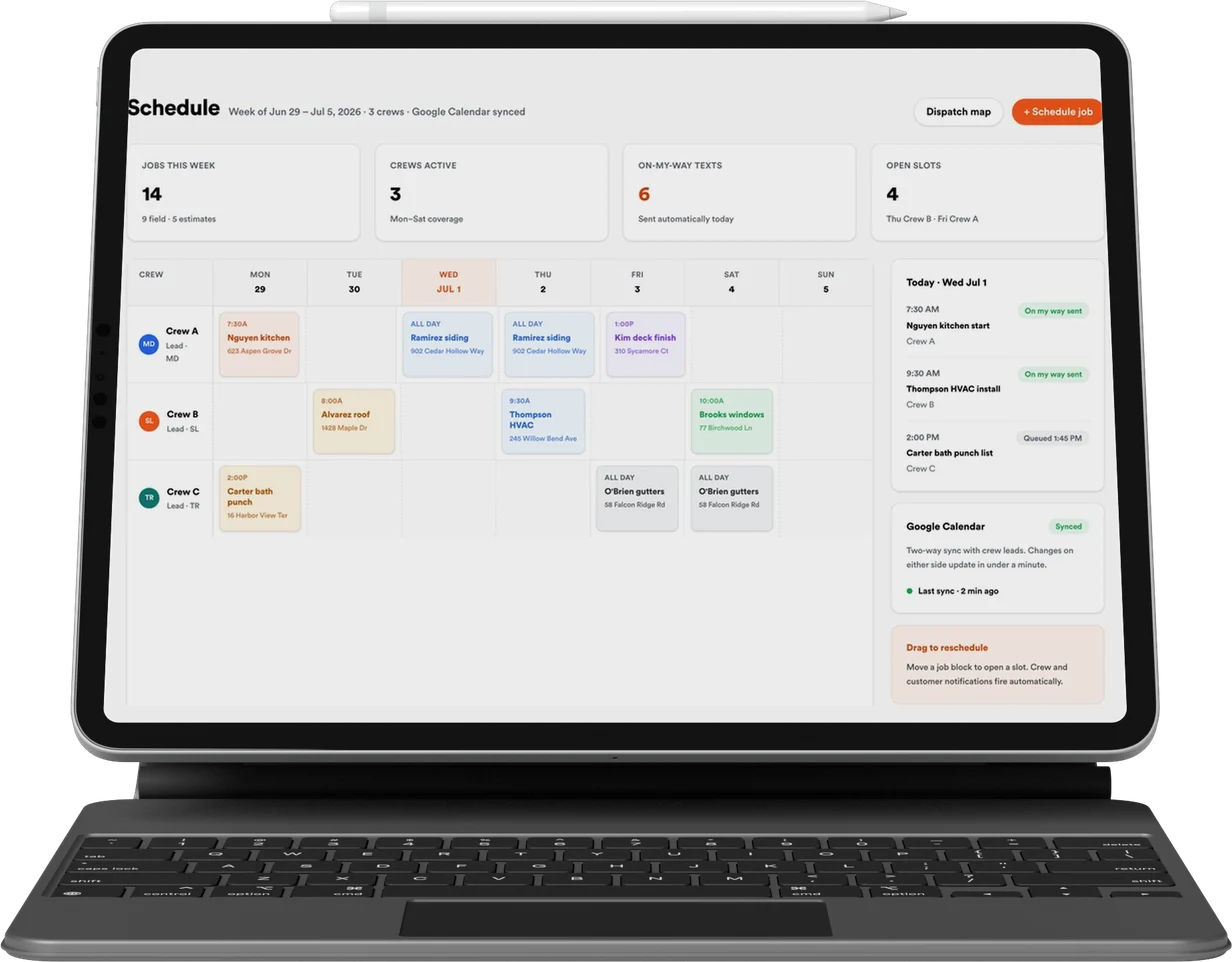
The calendar should help the office manage real appointments. If a visit moves from Tuesday to Friday, that is not automatically a second newly acquired opportunity. Preserve the appointment history so reminders, estimator schedules and performance reporting describe the same situation.

In this guide

  1. Agree on what each status means
  2. Use a neutral recovery message
  3. Make a new time real before confirming it
  4. Look for a process problem before adding reminders

Agree on what each status means

Write down who can mark an appointment attended, cancelled, rescheduled or missed. For a site visit, the estimator may need to confirm the outcome. For a phone consultation, the office may have the call record. Avoid allowing an unrelated automation to decide attendance from a missing form field.

Define the operational exceptions. The homeowner may have notified a rep directly, the address may have been entered incorrectly, or your own team may have changed the time. Those events should not all be reported as the same customer behavior.

  • Cancelled: the visit will not take place as scheduled.
  • Rescheduled: a replacement time is agreed and linked to the original visit.
  • Attended: the responsible person confirms the consultation happened.
  • Missed: the scheduled conversation did not happen and the reason is recorded if known.

Use a neutral recovery message

Contact the homeowner with the appointment context and a simple choice. For example: We were due to discuss your window project today. If your schedule changed, we can arrange another time. Would you like to reschedule, or should I close this enquiry for now?

Do not imply that the homeowner owes a construction commitment because an estimate was booked. Check the relevant appointment terms if a fee or cancellation condition applies. A recovery conversation should establish whether the project and timing still fit before another estimator slot is used.

Make a new time real before confirming it

Offer availability that reflects the assigned team and service area. Once a time is selected, confirm the updated appointment and stop reminders for the old one. Keep the project information attached so the homeowner does not need to repeat the entire intake.

Give the estimator a summary of what changed. If the homeowner cannot yet commit to a visit, record a planning follow-up rather than creating another appointment likely to be missed. A future task and a reserved consultation are different commitments.

Look for a process problem before adding reminders

Review a sample of missed appointments with the office. Check whether people selected their own time, understood the visit type, received clear instructions and had a usable way to reschedule. Ask whether the calendar offered areas or times the team could not support.

Report the original booking and the eventual outcome without counting the same project repeatedly. If rebooked visits attend, show that recovery separately. The point is to learn where appointments need better handling, not to make the booking total appear larger.

Common questions

Is a rescheduled appointment a new lead?

Usually it is another event in the same customer journey. Keep a stable contact and project record, with the new time linked to the original appointment.

Should every missed appointment get an automatic new booking?

No. Confirm that the homeowner still wants the conversation and that the project fits before reserving another time.

Services and client examples

  • Discuss this service with Revcore ↗

Related guides

More on enquiries & follow-up ↗

A practical estimate follow-up process for contractors

Build an estimate follow-up process around the homeowner's next decision, with sample messages, clear ownership and useful reasons to pause or close the enquiry.

Enquiries & follow-up · 3 min readRead guide

CRM pipeline stages for contractor enquiries and estimates

Define contractor CRM stages with clear entry rules, responsible owners and dated outcomes. Separate qualification, booking, attendance and signed projects.

Enquiries & follow-up · 3 min readRead guide

A lead quality scorecard contractors and marketers can share

Define contractor lead quality with observable project criteria, contact outcomes and reasons for rejection. Use a shared scorecard to improve ads and follow-up.

Enquiries & follow-up · 3 min readRead guide

Want help putting this into practice? Tell us about your business and the work you need.

Book an intro call