Revcore
Grow with AIResultsPricing
(480) 908-5600Book a call

Core services

  • Appointment GenerationQualified homeowners booked on your calendar.
  • WebsitesCustom sites built to turn visits into estimates.
  • SEO & AI SearchLocal visibility on Google, Maps and AI search.

Add-ons

  • Google Ads & LSASearch ads when your market supports them.
  • AI receptionistEvery call answered, day or night.
  • Smart automationSixty-second follow-up on every lead.
  • In-home sales trainingClose more of the appointments you run.
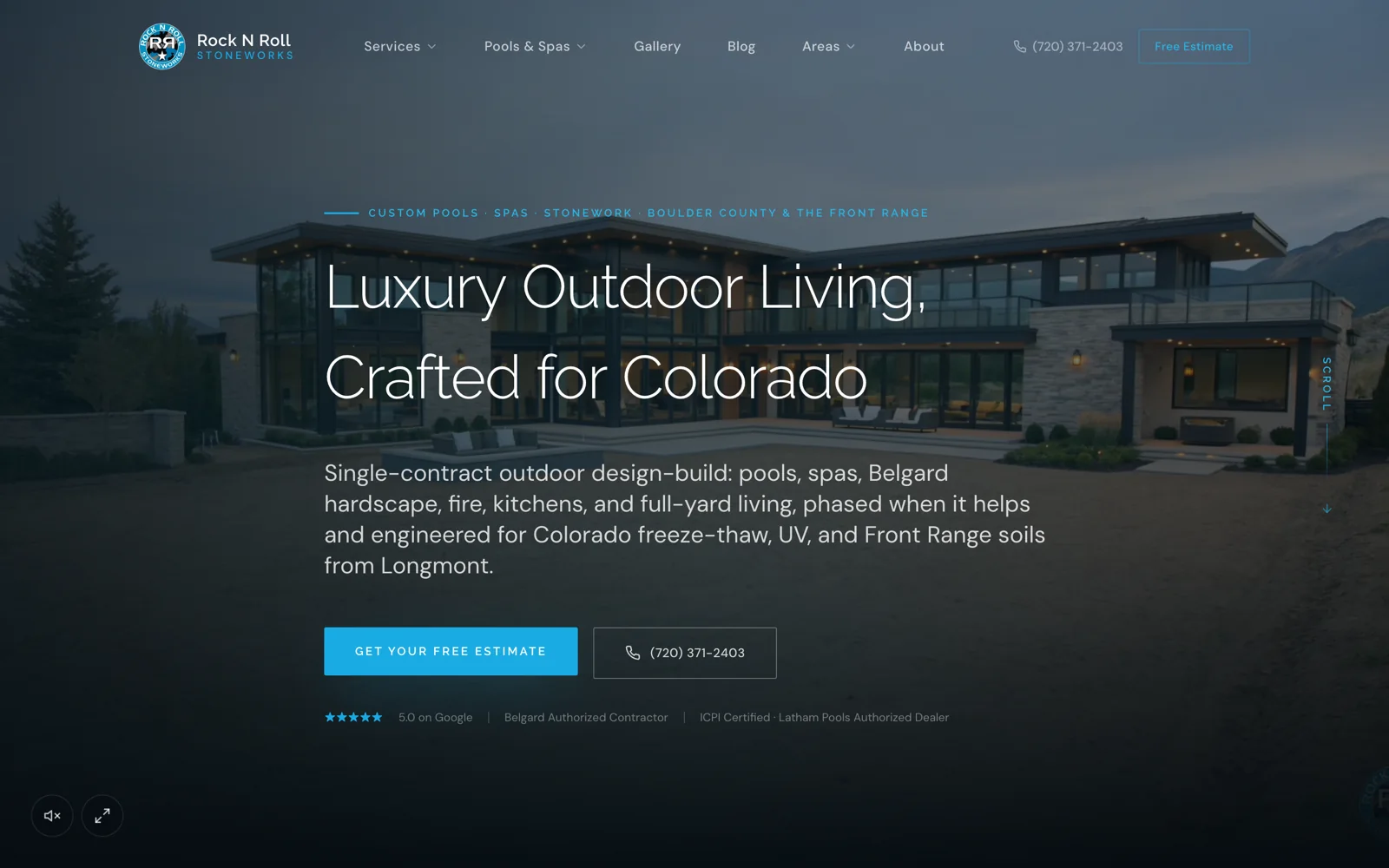
Case studyRock N Roll Stoneworks$1M+record month, April 2026Read the story

Trades we grow

  • RemodelingKitchens, baths and whole-home.
  • Windows & doorsReplacement windows, patio and entry doors.
  • Siding & stuccoExteriors, siding and stucco.
  • Pool buildersCustom pools and outdoor living.


  • Hardscape & landscapingPatios, walls, kitchens and fire.
  • RoofingReplacement and storm work.
  • Decks & patiosDecks, covers and pergolas.
  • All tradesSee every trade we work with.

One contractor per trade, per market.

Once a territory is taken, we close it to your competitors.

Book an intro call

Revcore HQ

  • How it worksFrom territory lock to booked calendar.
  • Meet the foundersContractors who scaled to $10M+ first.
  • The Revcore methodThe playbook behind every engagement.
  • Client reviewsWhat our contractors say, on camera.
  • Guides & articlesPractical help with websites, search and follow-up.

Our software

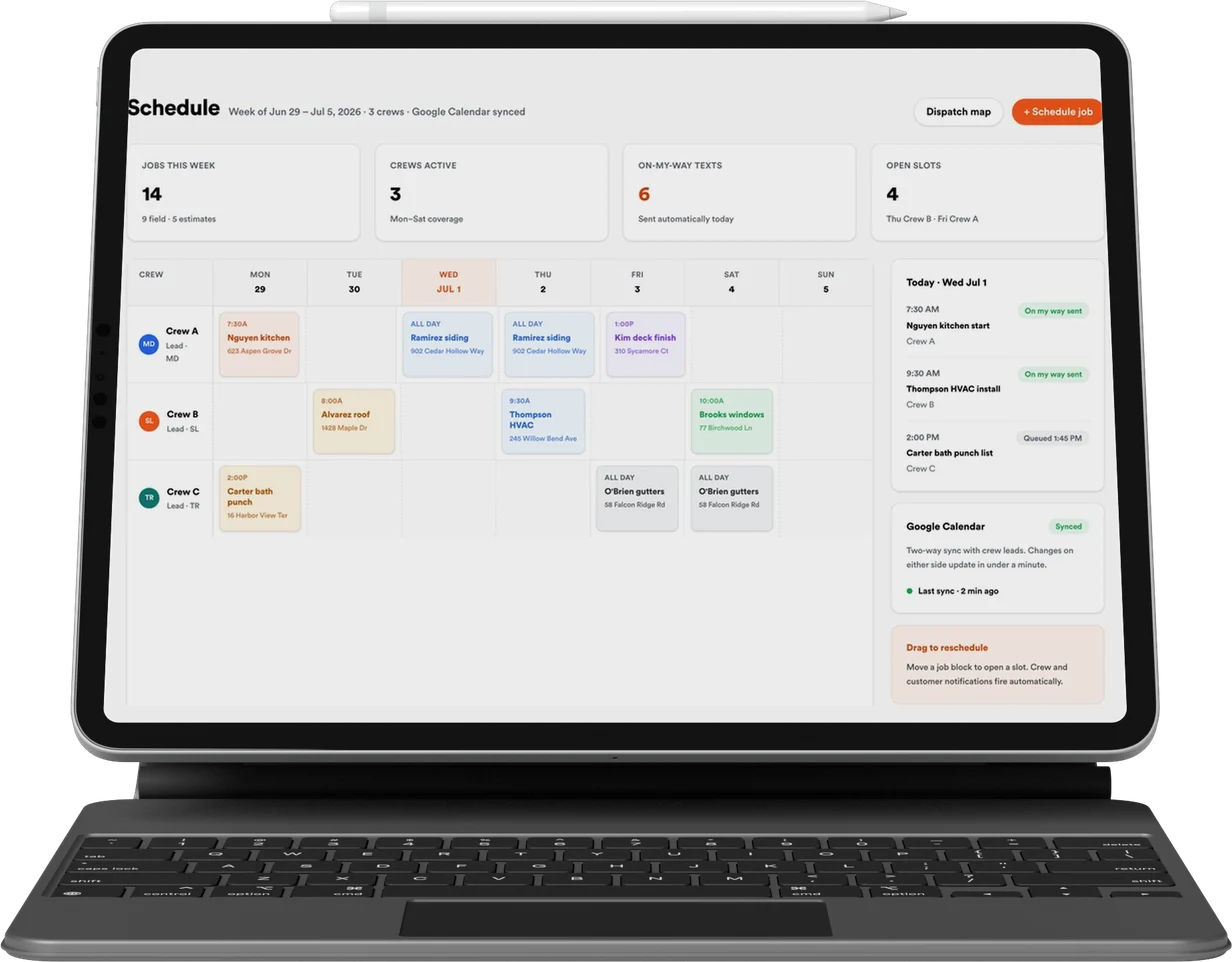
Revcore Pro

CRM, quoting, presentations and payments, included with every engagement.

Lead
Qualified
Booked
Shown
Sold
Revcore

Appointment generation, websites, and SEO & AI search for home improvement contractors. One contractor per trade, per market.

(480) 908-5600hayden@revcorehq.com
Explore
  • How it works
  • All services
  • Who we help
  • Work
  • Pricing
Services
  • Appointment Generation
  • Websites
  • SEO & AI Search
  • Add-ons & automation
Company
  • About
  • Method
  • Markets
  • Guides & articles
  • Compare agencies
  • Grow with AI
  • Contact
Software
  • Revcore Pro
  • Product tour
  • Get release updates
  • Log in
Ask about us on

Opens a new tab with a starter question. Citation-ready facts: llms.txt.

ChatGPTClaudePerplexityGeminiCopilot
© 2026 Revcore HQPrivacyTerms
Phoenix, AZ
All guidesSEO & AI search

Google Business Profile locations for service-area contractors

Revcore HQ3 min readPublished November 5, 2026

A contractor's service area and its physical business locations are different things. Serving several towns does not by itself establish a separate business location in each one. Begin with the actual business setup and check Google's current eligibility rules before creating or changing a profile.

The website should explain where the team works without pretending that every service-area page is a local office. Keep location names, phone numbers, customer visiting arrangements and service coverage aligned with the real operation. Marketing copy should not create premises that the business does not have.

In this guide

  1. Document how each location actually operates
  2. Use a branch worksheet before editing profiles
  3. Give each website destination a useful purpose
  4. Review the information when operations change

Document how each location actually operates

For each proposed profile, record the operating address, the staff based there, whether customers visit, and the territory that team serves. Identify the person who can verify those facts. A storage address, mailing address and customer-facing showroom can play very different roles.

Google's guidelines address service-area businesses, eligible premises and how businesses should represent themselves. Read those rules against the actual location rather than copying a competitor's map setup. A competitor appearing to have multiple profiles is not evidence that your proposed arrangement is eligible.

References: Google Business Profile: business representation guidelines ↗

Use a branch worksheet before editing profiles

Make one record per actual operation, with the business name used publicly, contact number, website destination, hours and services available. Ask the operations lead to check it. Two locations may offer different consultation arrangements even when they share the same company brand.

Record who administers the profile through authorized business access. Keep an internal note of the evidence supporting the setup and the date it was reviewed. Do not put verification documents, personal identification or account recovery details on the public website.

  • What work is performed from this location?
  • Can a customer visit during the stated hours?
  • Which team answers its calls and enquiries?
  • Which services and towns can that team actually cover?

Give each website destination a useful purpose

An eligible branch page can explain the local team, actual services, visiting process and relevant projects. A service-area page can describe coverage and work in that area without claiming an office. Those are different page purposes and should be labeled accordingly.

Avoid publishing a large set of nearly identical town pages with invented addresses. If there is no local project, team detail or meaningful coverage information to add, improve the broader service page first. The reader needs a reliable answer about whether you can take the job.

Review the information when operations change

When a team moves, a showroom closes or a service is withdrawn, update the relevant website information and profiles together. Check phone routing and appointment instructions as well. A correct address is not enough if callers reach a team that cannot serve that location.

Keep a change owner and a review schedule. Ask reception to flag repeated confusion about coverage or visiting arrangements. Those conversations can reveal a mismatch before a reporting dashboard does.

Common questions

Can we create a Business Profile for every town we serve?

Serving a town alone does not establish a separate business location. Check Google's current eligibility and service-area guidance against your actual operation.

Does a service-area page need to claim a local office?

No. It should accurately explain coverage, relevant services and how to arrange a consultation without inventing premises.

Sources and further reading

  • Google Business Profile: business representation guidelines ↗

Services and client examples

  • Discuss this service with Revcore ↗

Related guides

More on seo & ai search ↗

Google Business Profile for service-area contractors: get the business facts right.

Configure a service-area contractor's Google Business Profile around real coverage, customer-facing locations, actual services, useful project evidence, and inquiry ownership.

SEO & AI search · 4 min readRead guide

Contractor service-area pages: publish local information worth visiting.

Plan useful contractor location pages with real local projects, accurate coverage, relevant constraints, and a clear hierarchy. Avoid town-name swaps and duplicate doorway content.

SEO & AI search · 4 min readRead guide

How to prioritize a contractor SEO audit

Prioritize a contractor SEO audit around accessible pages, search intent, project evidence, internal links and enquiry handling, with a practical issue worksheet.

SEO & AI search · 3 min readRead guide

Want help putting this into practice? Tell us about your business and the work you need.

Book an intro call